There are several screenshot tools available for Linux. I prefer using Flameshot for screenshots and Shutter for editing the existing screenshots. Flameshot doesn’t work with 4K screens, unfortunately. And hence I had to resort back to the default GNOME screenshot tool which works perfectly on my Dell XPS with Ultra HD screen.
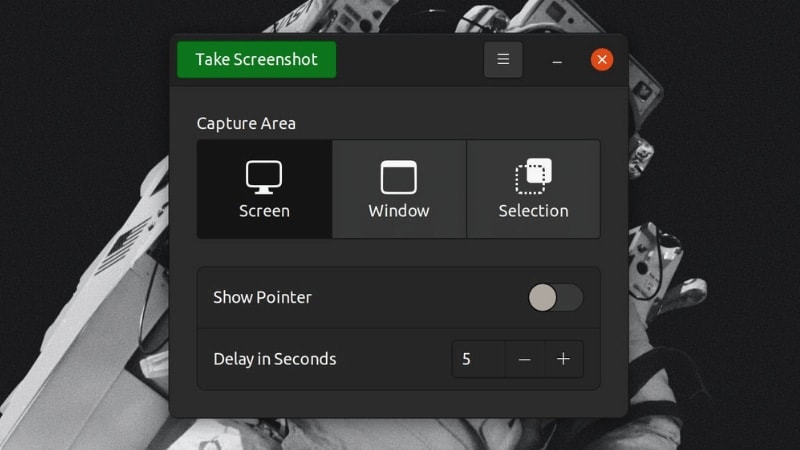
Table of contents
Take screenshot of entire screen(s): Use Prt Scr keyTake screenshot of an application windows: Use Alt+Prt Scr keyTake screenshot of selected area of the screen: Use Shift+Prt Scr keyCopy the screenshots to clipboard instead of saving themAdd delay to screenshot to take screenshots of dropdown menuAny tricks up your sleeve?1 Comment
Sort: