Visual Studio has a little-known setting under Tools > Options > Environment > Windows > Floating Windows that controls how floating tool windows and documents behave. The dropdown offers three modes: None, Tool Windows (default), and Documents and Tool Windows. Setting it to None makes floating windows fully independent — they get their own taskbar entries, stay visible when the main IDE is minimized, and don't force themselves to the front. This pairs especially well with PowerToys FancyZones for custom multi-monitor layouts, letting developers snap Visual Studio windows into zones like any normal application window.
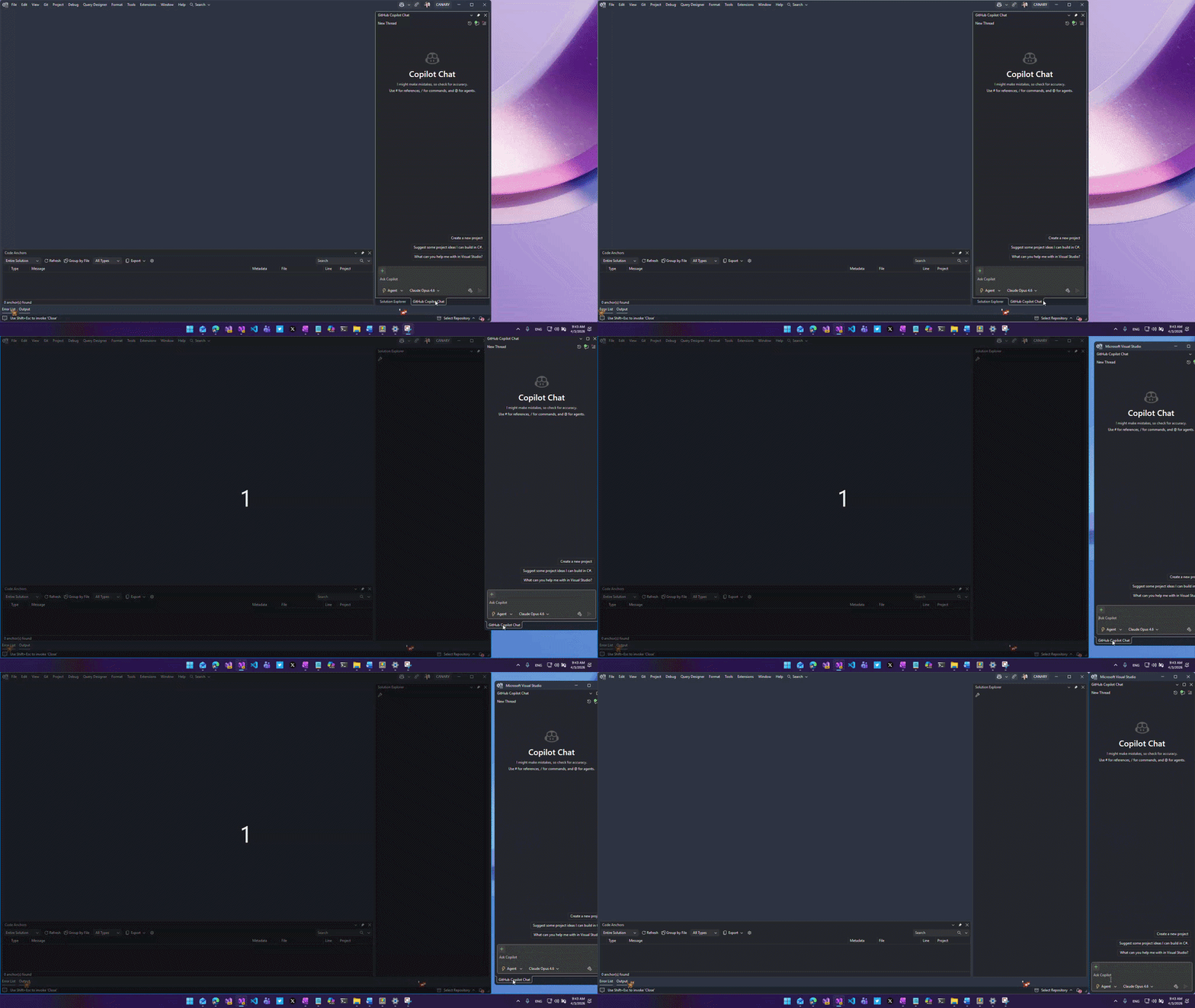
Table of contents
My favorite scenario: PowerToys FancyZones Copy linkWhen to choose each option Copy linkSort: