The MSSQL extension for Visual Studio Code now includes Edit Data in public preview, enabling developers to browse and modify SQL Server table data directly within the editor. The feature provides a spreadsheet-like interface with inline editing, real-time validation, automatic DML script generation, and pagination for large datasets. To use it, enable the Rich Feature UI setting in MSSQL extension v1.37 or later, then right-click or double-click any table in Object Explorer. Changes can be previewed as SQL scripts before committing, with built-in validation for data types, constraints, and NULL values.
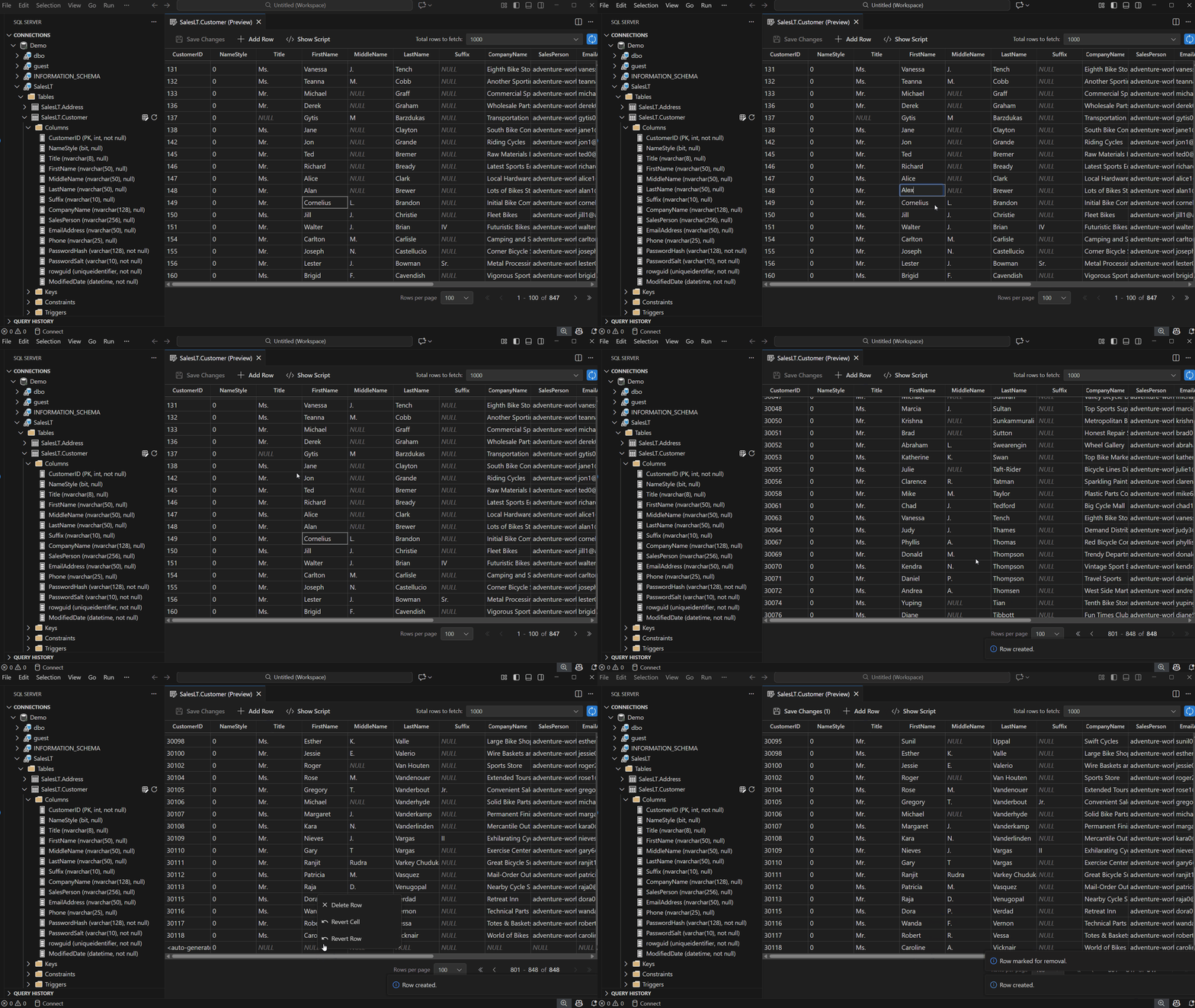
Table of contents
OverviewHow to get started: Enable Rich Feature UI (Required)Open Edit DataBrowse and Edit Table DataView Changes in Show Script PaneSave or Discard ChangesPagination and Row FetchingNext StepsSort: