Filebrowser provides a file managing interface within a specified directory. It can be used to upload, delete, preview, rename, share and edit your files. It allows the creation of multiple users and each user can have its own directory. This short guide will walk you through installing Filebrowser using Docker.
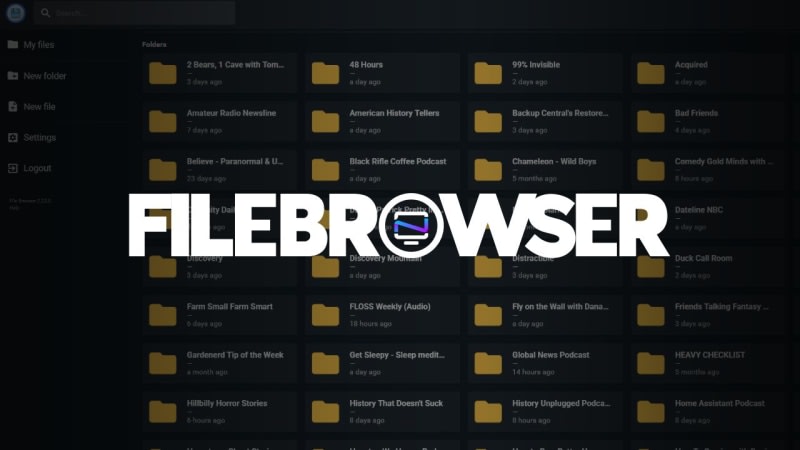
Table of contents
What is Filebrowser?Install Filebrowser with DockerFilebrowser user managementFilebrowser directory scopeAdd a domain to Filebrowser for Sharing RemotelyAdding Zero Trust Access Application to Filebrowser loginCreating public shares in FilebrowserFinal Notes and ThoughtsSort: