How To Fix Visual Studio Code IntelliSense loading infinitely issue was gone. It turned out that sometimes your VS Code might be using a different TypeScript version than your workspace uses. In order to fix it, use TypeScript: Select TypeScript Version... command.
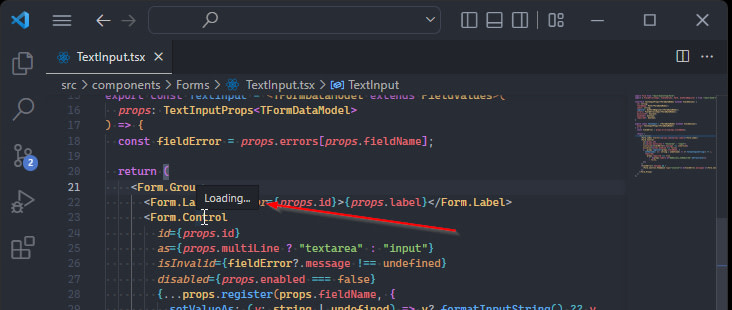
Table of contents
How VS Code Infinite IntelliSense Loading Looks LikeFixing Visual Studio Code IntelliSense Loading Infinitely7 Comments
Sort: