You can convert any simple design to a Glassmorphism design. For this, you need to change a little bit of code. In this article, I am going to show you how to create Glass Morphism Login Form using HTML and CSS code. Follow the tutorial below to create your own login form.
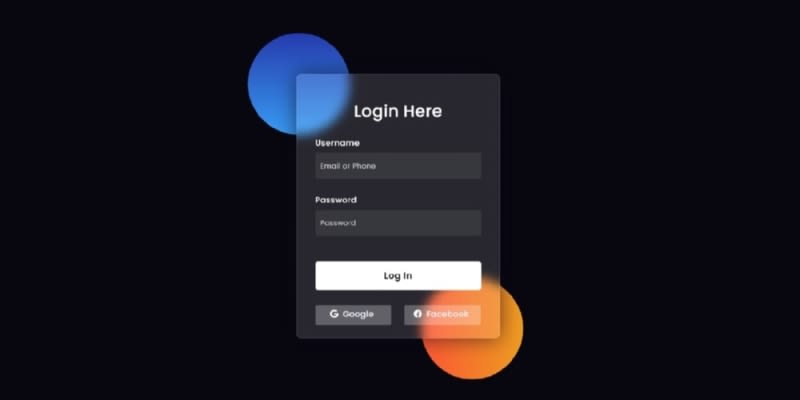
Table of contents
Step 1: Design the web pageStep 2: Create two colorful circles in the backgroundStep 3: Create the basic structure of Glassmorphism Login FormStep 4: Add headings to the formStep 5: Create input place to inputStep 6: Add the login button to the Glassmorphism Login FormStep 7: Create two social buttons2 Comments
Sort: