This weeks project focuses on creating Docker images and containers. We are going to create our own image using Nginx and then add a file that will tell us the date our container was deployed. We will then deploy the container to run on port 8080.
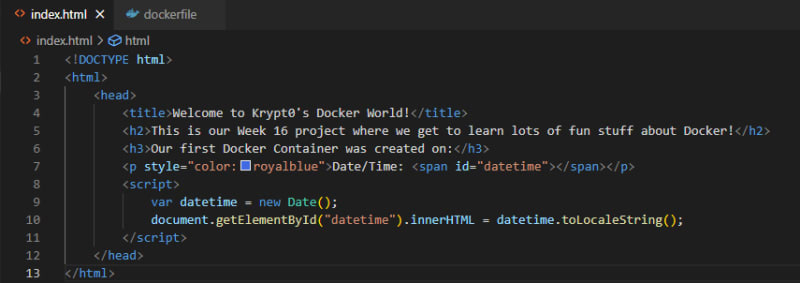
Table of contents
Docker Containers! Oh my!!How to create a Docker image, deploy a container, and push your data to AWS Elastic Container Registry (ECR)Step 1. Create our directory, dockerfile, and index.html fileStep 2: Run the container and testStep 3. Push our container data to the AWS Elastic Container RegistrySort: