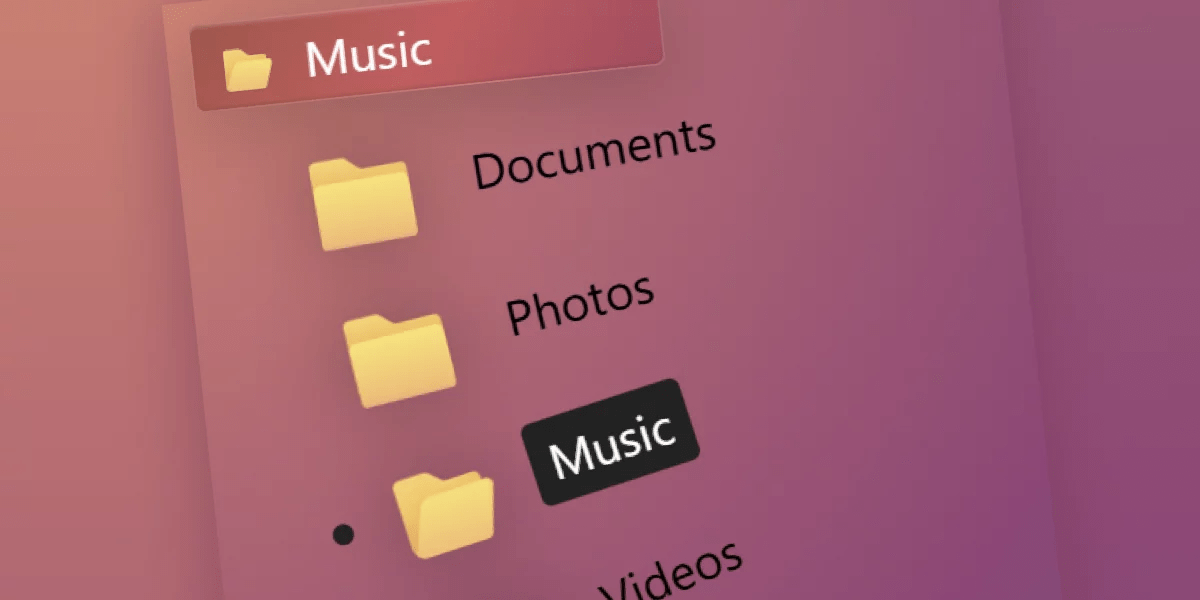
A hands-on walkthrough of the new customizable <select> feature in Chromium-based browsers, demonstrated through three creative demos: a curved stack of folders, a fanned deck of cards, and a radial emoji picker. The tutorial covers key techniques including the ::picker() pseudo-element for opting into full styling, ::picker-icon and ::checkmark pseudo-elements, the sibling-index() and sibling-count() CSS functions for positional styling, CSS anchor positioning to control dropdown placement, @starting-style for entry transitions, @property for animating custom properties, and CSS trigonometry (cos/sin) for circular layouts. Each demo progressively introduces new CSS capabilities while maintaining accessibility and graceful degradation in non-supporting browsers.
1 Comment
Sort: