Browser DevTools' Sources tab provides powerful debugging capabilities for web developers. You can set breakpoints by clicking next to line numbers, then use debugging controls to step through code execution. The debugger allows you to pause JavaScript execution, inspect variable values in real-time, and navigate through functions using Step Over, Step Into, and Step Out commands. This enables efficient troubleshooting and code analysis directly within the browser environment.
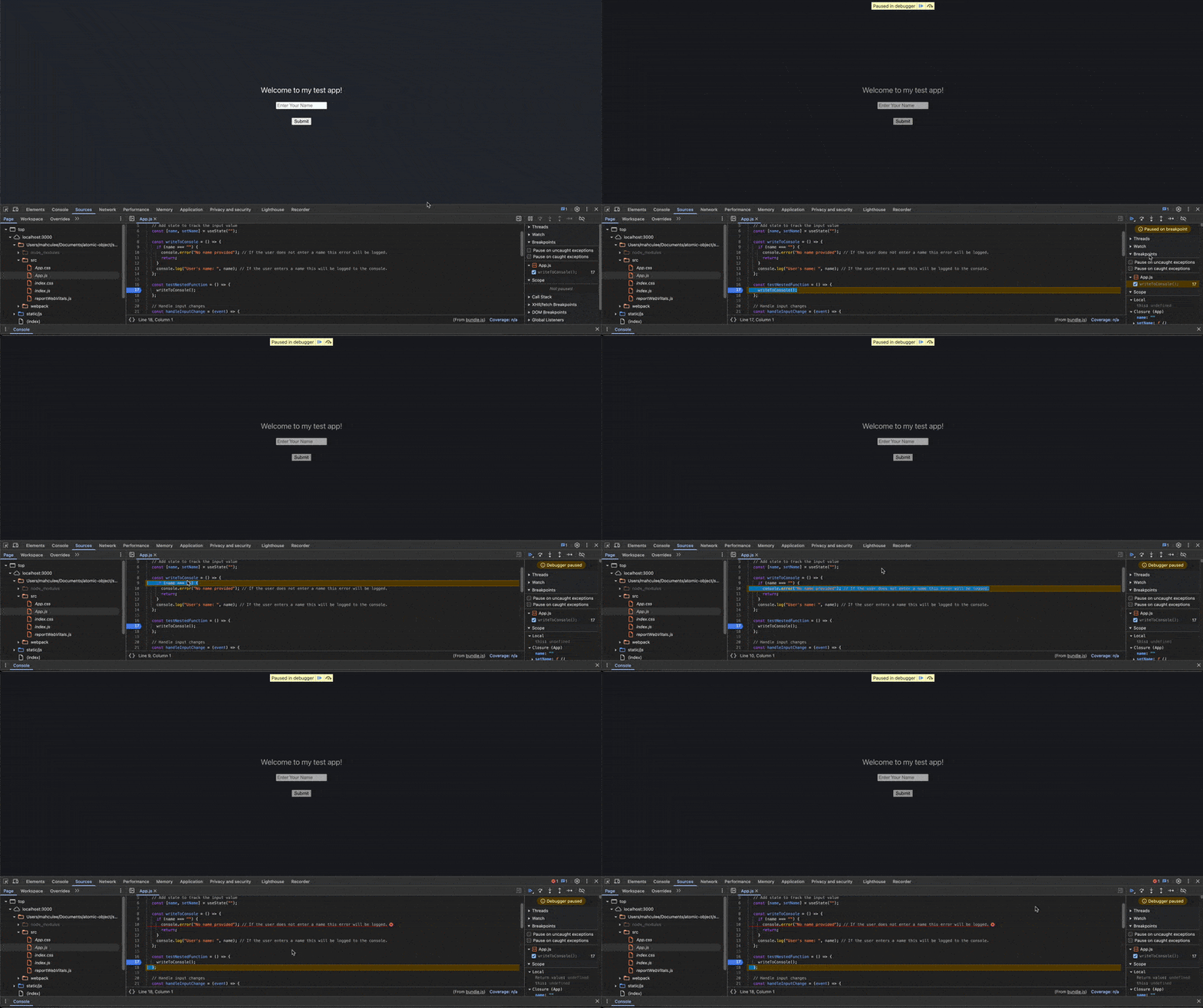
Table of contents
Accessing the InspectorIntroducing the Sources TabViewing your Project’s Source FileSetting a break pointDebugging your codeSort: