All the themes mentioned in this blog post are either available out of the box or can be installed for free directly from your IDE. WebStorm is very customizable, so you can configure it how you like. You can change the theme you’re using, which will alter the look and feel of the IDE.
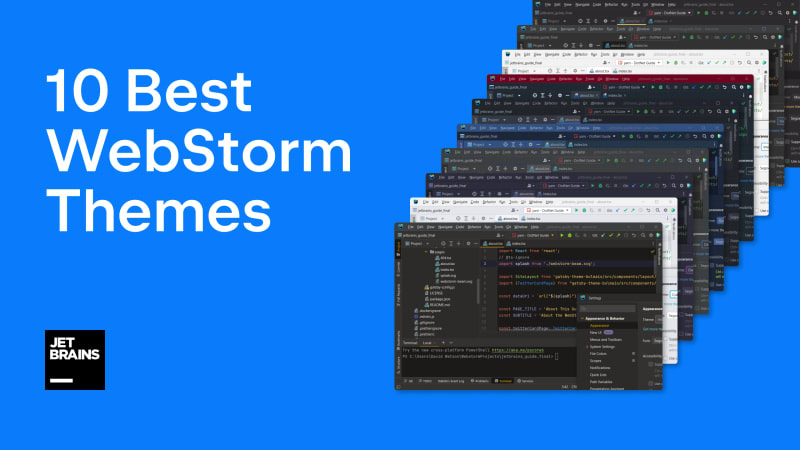
Table of contents
Built-in WebStorm themesDark Purple ThemeOne Dark ThemeVisual Studio Code Dark Plus ThemeMonokai Pro ThemeVuesion ThemeGradianto ThemeHiberbee ThemeCyan Light ThemeHow to select a themeDevelop your own theme6 Comments
Sort: